Choosing the perfect mouse pad involves evaluating materials, size, and features to match your specific needs, whether for gaming, productivity, or creative work. The ideal mouse pad enhances comfort, accuracy, and overall performance by providing the optimal surface for your mouse’s sensor and your movement style. For instance, gamers often prefer speed or control surfaces, while professionals benefit from ergonomic designs and extended mats.
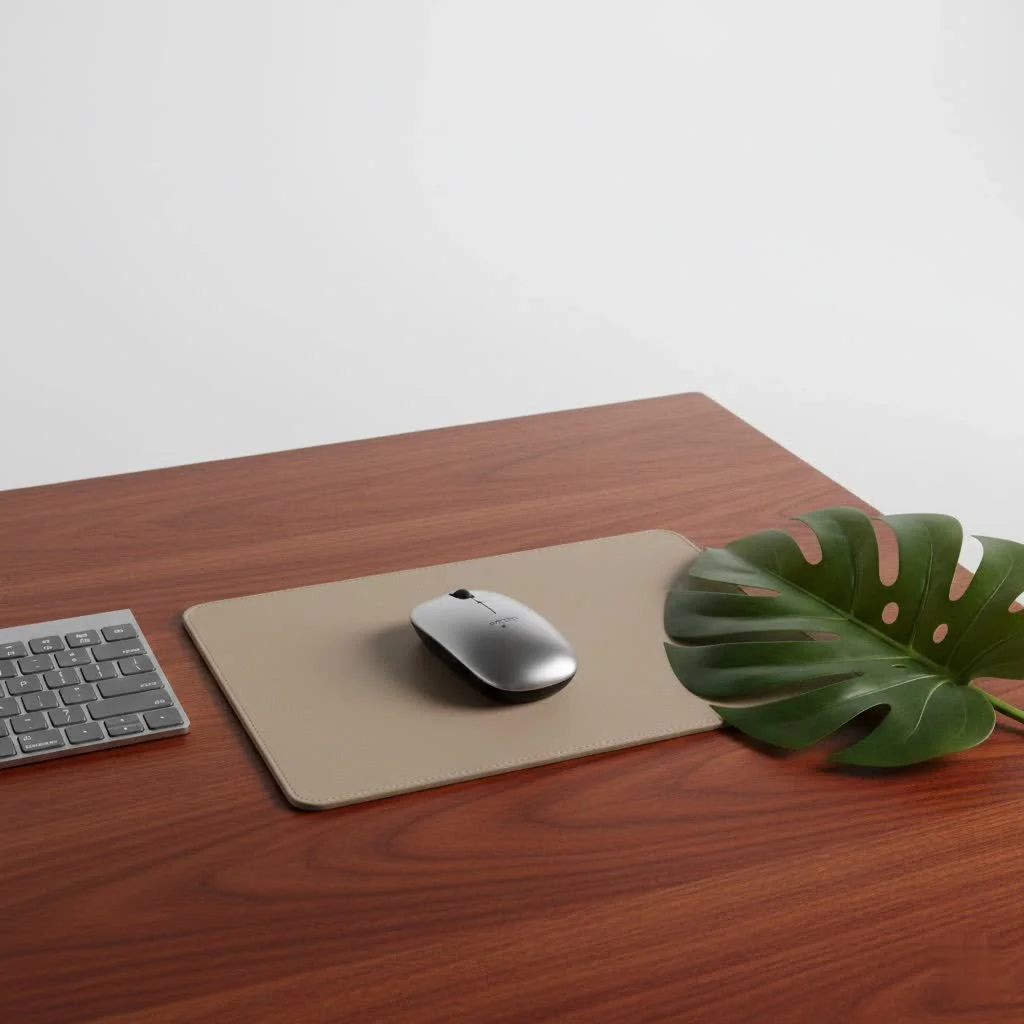
Understanding the Core: Mouse Pad Materials and Surfaces
The material of your mouse pad fundamentally defines its feel, glide characteristics, and how your mouse responds. This is a critical decision that impacts every interaction. For browse all gaming articles on this site.
Cloth Mouse Pads: The Versatile All-Rounder
Cloth mouse pads are the most popular choice due to their comfort, flexibility, and portability. They come in various weaves and textures, categorized by their emphasis on “speed” or “control.”
- Speed Surfaces: These pads feature a smoother, tighter weave, resulting in low friction and ultra-fast glide. They are ideal for gamers who use low DPI settings and require quick, sweeping movements, such as in fast-paced shooters.
- Control Surfaces: Control pads have a more textured or dense weave, providing higher friction and resistance. This “stopping power” is invaluable for tasks requiring pixel-perfect precision, like tactical FPS games, graphic design, or detailed editing.
- Dense (Micro) Fabric: Offering a balance, these pads feature a tighter weave for more tactile feedback and precise cursor control, suitable for high-DPI gamers or balanced usage.
- Waterproof and Jacquard: Some cloth pads include water-resistant coatings for spill protection, while Jacquard cloth pads offer a premium, woven texture for aesthetic appeal.
Hard Mouse Pads: The Need for Speed
Hard mouse pads prioritize speed and durability, offering minimal friction for swift, fluid mouse movements. They are favored by competitive gamers who demand consistent, low-resistance glide.
- Plastic: Made from rigid polymers, plastic pads offer a very smooth, fast surface that is easy to clean and highly durable. However, they can be less comfortable over long periods and may wear down mouse feet faster.
- Metal: Aluminum or other metal mouse pads provide exceptional durability and a sleek, premium look. They offer similar speed characteristics to plastic but can be heavier and potentially scratch more easily.
- Glass: Glass mouse pads offer the ultimate in low-friction surfaces, providing an incredibly smooth glide with virtually no resistance. They are extremely durable and low-maintenance, requiring only a wipe to feel new again, but can be prone to fingerprints and are often the most expensive option.
Hybrid Surfaces: The Best of Both Worlds?
Hybrid mouse pads aim to combine the best aspects of both cloth and hard surfaces. Materials like Cordura or specially engineered fabrics offer a slicker glide than traditional cloth but retain enough texture for controlled movements. These are perfect for users who need both speed for quick flicks and control for precise adjustments, often found in fast-paced competitive games.
Size Matters: Finding Your Ideal Mouse Pad Dimensions
|
Our Picks for the Best Mouse Pad in 2026
As an Amazon Associate I earn from qualifying purchases.
|
||
| Num | Product | Action |
|---|---|---|
| 1 | MROCO Ergonomic Mouse Pad with Gel Wrist Rest, Comfortable Mousepad with Smooth Wrist Support Surface and Non-Slip PU Base for Pain Relief, Computer, Laptop, Office & Home, 9.4 x 8.1 in, Black Gold |

|
| 2 | MROCO Ergonomic Mouse Pad with Gel Wrist Rest, Smooth Wrist Support Surface, Non-Slip PU Base for Pain Relief, Comfortable Mousepad for Computer, Laptop, Office & Home, 9.4 x 8.1 in, Black |
|
| 3 | KTRIO Large Gaming Mouse Pad with Stitched Edges, Extended Mousepad with Superior Micro-Weave Cloth, Non-Slip Base, Water Resist Keyboard Pad for Gamer, Office & Home, 31.5x15.7in, Black Topographic |
|
| 4 | MROCO Ergonomic Mouse Pad with Gel Wrist Rest, Comfortable Mousepad with Smooth Wrist Support Surface and Non-Slip PU Base for Pain Relief, Computer, Laptop, Office & Home, 9.4 x 8.1 in, Black Flower |
|
| 5 | MROCO Ergonomic Mouse Pad with Gel Wrist Rest, Comfortable Mousepad with Smooth Wrist Support Surface and Non-Slip PU Base for Pain Relief, Computer, Laptop, Office & Home, 9.4 x 8.1 in, Blue Waves |
|
| 6 | KTRIO Excel Shortcuts Mousepad with Superior Micro-Weave Cloth, Extended Mousepad with Stitched Edges, Non-Slip Base, Water Resist Keyboard Pad for Gamer, Office & Home, Excel Shortcuts |
|
| 7 | KTRIO Large Gaming Mouse Pad with Stitched Edges, Extended Mousepad with Superior Micro-Weave Cloth, Non-Slip Base, Water Resist Keyboard Pad for Gamer, Office & Home, 31.5x15.7in, Black Gold |
|
| 8 | KTRIO Large Gaming Mouse Pad Desk Mat, Superior Micro-Weave Cloth for Precise Mouse Control, Non-Slip Rubber Base, Stitched Edges, Water-Resistant, for Gamer, Office & Home, 31.5\" x 11.8\" inches |
|
| 9 | MROCO Ergonomic Mouse Pad with Gel Wrist Rest, Comfortable Mousepad with Smooth Wrist Support Surface and Non-Slip PU Base for Pain Relief, Computer, Laptop, Office & Home, 9.4 x 8.1 in, Cloud Forest |
|
| 10 | MROCO Ergonomic Mouse Pad with Gel Wrist Rest, Comfortable Mousepad with Smooth Wrist Support Surface and Non-Slip PU Base for Pain Relief, Computer, Laptop, Office & Home, 9.4 x 8.1 in, Blue Marble |
|
The size of your mouse pad significantly impacts comfort and performance, extending beyond just fitting on your desk.
- Compact Pads: Ideal for minimalists or those with limited desk space, these small pads offer enough room for basic mouse movements without overwhelming your setup. They are often chosen for portability or specific desk configurations.
- Medium Pads: A popular sweet spot, medium-sized pads provide a comfortable amount of space for most users, balancing ample movement with a reasonable desk footprint.
- Large and Extended Desk Mats: These expansive mats cover a significant portion, or even your entire desk, accommodating both your mouse and keyboard. Extended desk mats offer unrestricted mouse movement, crucial for gamers using low sensitivity settings, and unify your workspace visually while providing a soft, consistent surface under your keyboard and forearms.
Beyond the Basics: Features That improve your Experience
Beyond materials and size, several features can enhance your mouse and pad experience.
- Stitched Edges and Non-Slip Bases: Stitched edges prevent fraying and peeling, significantly extending the lifespan of cloth mouse pads. A robust, non-slip rubber base is essential to keep your pad securely in place, preventing frustrating slips during intense moments.
- RGB Lighting: Aesthetic or Edge? RGB lighting adds a vibrant, customizable aesthetic to your setup. While it doesn’t directly impact performance, a well-implemented RGB mouse pad can complete your setup’s look, and some even offer spill-resistant surfaces and detachable cables for convenience.
- Integrated Wrist Rests and Ergonomics: Many mouse pads, especially those for productivity, come with built-in wrist rests, often made of gel or memory foam.
- Do ergonomic mouse pads truly help with wrist strain? Absolutely. Ergonomic mouse pads are designed to keep your wrist in a neutral alignment, reducing pressure on the median nerve and supporting proper hand posture. This can significantly reduce the risk of developing conditions like carpal tunnel syndrome and general fatigue during long sessions, leading to improved comfort, productivity, and accuracy.
- Wireless Charging Capabilities: Some modern mouse pads integrate wireless charging, allowing you to power up compatible devices like your smartphone or wireless mouse simply by placing them on the pad. This helps declutter your desk and keeps devices ready.
Choosing Your Perfect Match: Tailoring the Mouse Pad to Your Needs
The “best” mouse pad is the one that best suits your specific tasks and personal preferences.
For Gamers: Speed vs. Control
This is often the biggest debate.
- Tactical FPS Games (CS:GO, Valorant): Precision is paramount. A control pad provides the friction and stopping power needed for accurate micro-adjustments and lining up headshots.
- Fast-Paced Games (Apex Legends, Overwatch, MOBAs): If your gameplay involves rapid, sweeping movements and quick reflexes, a speed pad or hybrid pad will allow for effortless glides and faster aim.
- Balancing Both: If you play a variety of genres, a hybrid surface can offer a fantastic compromise, giving you a bit of both worlds.
For Productivity and Creative Work
For office tasks, coding, or graphic design, comfort and precision are key. A control-oriented cloth pad provides the tactile feedback needed for fine movements. If you suffer from wrist discomfort, an ergonomic mouse pad with a built-in wrist rest is a major upgrade, promoting a neutral wrist position and reducing strain. An extended desk mat can also provide a larger, consistent workspace and integrate your keyboard for improved ergonomics.
Balancing Aesthetics and Performance
A visually appealing workspace can significantly enhance your experience. Many brands, including Sdrav, offer mouse pads in various designs, colors, and patterns. You can find a high-performing mouse pad that also matches your personal style and desk aesthetic. As Amelia Chen, a lead product design engineer at a renowned peripherals company, states, “A quality mouse pad isn’t just an accessory; it’s a foundation for precision and comfort, directly impacting your interaction with your digital world.”
Maintaining Your Mouse Pad: A Guide to Longevity
Proper maintenance ensures your mouse and pad continue to perform optimally.
- Cloth Pads: Most cloth pads can be hand-washed with mild soap and water, then air-dried. Regular cleaning every 1-3 months prevents dirt and sweat buildup that can affect glide.
- Hard Pads: These are generally the easiest to clean; a simple wipe down with a damp cloth is often all that’s needed to keep them pristine.
- Glass Pads: Like hard pads, glass surfaces are very low maintenance, typically only requiring a quick wipe to remove dust or fingerprints.
The interaction between your mouse and pad is a symbiotic relationship, often underestimated but profoundly impactful. Investing in the right mouse pad is an investment in your comfort, precision, and performance, whether you’re working, creating, or gaming. Take the time to consider your needs, explore the options, and you’ll undoubtedly find the perfect mouse and pad combination to improve your digital experience. Explore our curated selection at Sdrav.com and discover the difference a truly great surface can make.
Frequently Asked Questions
What is the main difference between a speed and control mouse pad?
Speed mouse pads feature smoother surfaces with less friction, allowing for faster mouse movements, which is ideal for quick reflexes in games. Control mouse pads have textured surfaces with more friction, offering greater precision and stopping power, perfect for accurate tasks and tactical games like CS:GO.
How frequently should I clean my mouse pad to maintain performance?
For daily users, cleaning a cloth mouse pad every 1-3 months is recommended to prevent grime buildup that can affect performance. Hard and glass pads are easier to maintain and can be wiped down weekly or as needed to remove dust and fingerprints.
Are glass mouse pads a worthwhile investment for serious users?
For users who prioritize extreme speed, consistent glide, and minimal maintenance, glass mouse pads are definitely worth considering. They are very durable and offer a unique, ultra-smooth experience, though they tend to be more expensive than cloth or plastic options.
What are the key benefits of using an extended desk mat?
Extended desk mats offer ample space for both your mouse and keyboard, promoting fluid, unrestricted mouse movements, especially for low-sensitivity users. They also provide a cohesive aesthetic, protect your desk surface, and offer consistent ergonomic support under your arms, enhancing overall comfort.
Do ergonomic mouse pads effectively help reduce wrist strain?
Yes, ergonomic mouse pads are designed to keep your wrist in a neutral alignment, significantly reducing pressure on the median nerve and supporting proper hand posture. This can reduce the risk of conditions like carpal tunnel syndrome and general fatigue during long sessions, leading to improved comfort and accuracy.
Get our weekly buyer guide
Practical specs, not advice. Unsubscribe anytime.
I’ve been using a cheap mouse pad for years and finally decided to upgrade after reading about how much difference material makes. I went with a cloth pad, and the improvement in my mouse’s accuracy is insane. My aim in games has definitely gotten better, and it’s so much more comfortable for long sessions. Wish I’d done this sooner!
As a graphic designer, precision is everything. I always thought a mouse pad was just a mouse pad, but understanding how the surface impacts my mouse’s sensor was a game-changer. I invested in a larger, high-quality cloth pad, and my workflow is so much smoother now. No more tiny adjustments needed!
This guide really helped me narrow down my options. I was torn between a speed or control surface for my gaming setup, and the breakdown here made it clear what I needed. Ended up getting a hybrid surface that feels like a good balance. My only minor gripe is that I wish there were more specific brand recommendations for the extended mats.
I appreciate the detailed info on ergonomic designs. I spend hours at my desk for work, and my wrist was starting to bother me. I got one of the ergonomic pads mentioned, and while it’s definitely more comfortable, the surface texture feels a little too rough for my mouse. It’s not a dealbreaker, but I notice the drag sometimes.