When it comes to the sleek, minimalist world of Apple, every accessory plays a crucial role in the overall user experience. You might be surprised to learn that while Apple itself doesn’t offer an “apple mouse pad” as a branded product, finding the right mouse pad for your Magic Mouse is absolutely essential. It’s not just about adding a stylish touch to your desk; it’s about unlocking the full potential of your Magic Mouse, ensuring seamless productivity, pinpoint precision, and lasting comfort.
Understanding the Magic Mouse Experience
The Apple Magic Mouse is a marvel of minimalist design and multi-touch functionality. With its low-profile, almost flat form factor and intuitive gesture controls, it offers a unique way to interact with your Mac or iPad. However, its distinctive design and smooth glide feet mean it responds best to certain surfaces. Without a proper mouse pad, you might experience inconsistent tracking, unwanted friction, or even premature wear on your mouse’s underside and your desk. For best gaming roundups on this site.
Think of it this way: the Magic Mouse is like a finely tuned sports car. You wouldn’t drive it on a gravel road and expect peak performance, would you? Similarly, pairing your Magic Mouse with an unsuitable surface can introduce resistance and noise, hindering its smooth operation and diminishing your user experience. Crucially, if you’re working with a modern glass desk, a mouse pad isn’t just an option—it’s a necessity. The Magic Mouse, much like many optical mice, simply won’t track reliably on glass surfaces, even matte ones. An excellent apple mouse pad acts as the perfect track, allowing your Magic Mouse to glide effortlessly and accurately.
Key Factors When Choosing Your Apple Magic Mouse Pad
Selecting the ideal mouse pad for your Apple Magic Mouse involves a blend of practicality, personal preference, and understanding what makes the Magic Mouse tick.
Surface Material: Cloth vs. Hard vs. Leather
The material of your mouse pad dictates the glide and control you’ll experience.
- Cloth or Microfiber: These offer a softer, more cushioned feel, which can be great for comfort during long work sessions. They typically provide a good balance of speed and control, making them versatile for various tasks. Materials like microfiber and cloth are known to work exceptionally well with the Magic Mouse, ensuring a smooth and consistent surface that enhances tracking capabilities.
- Hard Surfaces (Polycarbonate, Aluminum): For those who prioritize raw speed and precision, hard mouse pads are a game-changer. They create minimal friction, allowing your Magic Mouse to glide with incredible ease and responsiveness, which is particularly beneficial for high-intensity tasks like graphic design or competitive gaming. An aluminum apple mouse pad can also complement the aesthetic of your Apple devices.
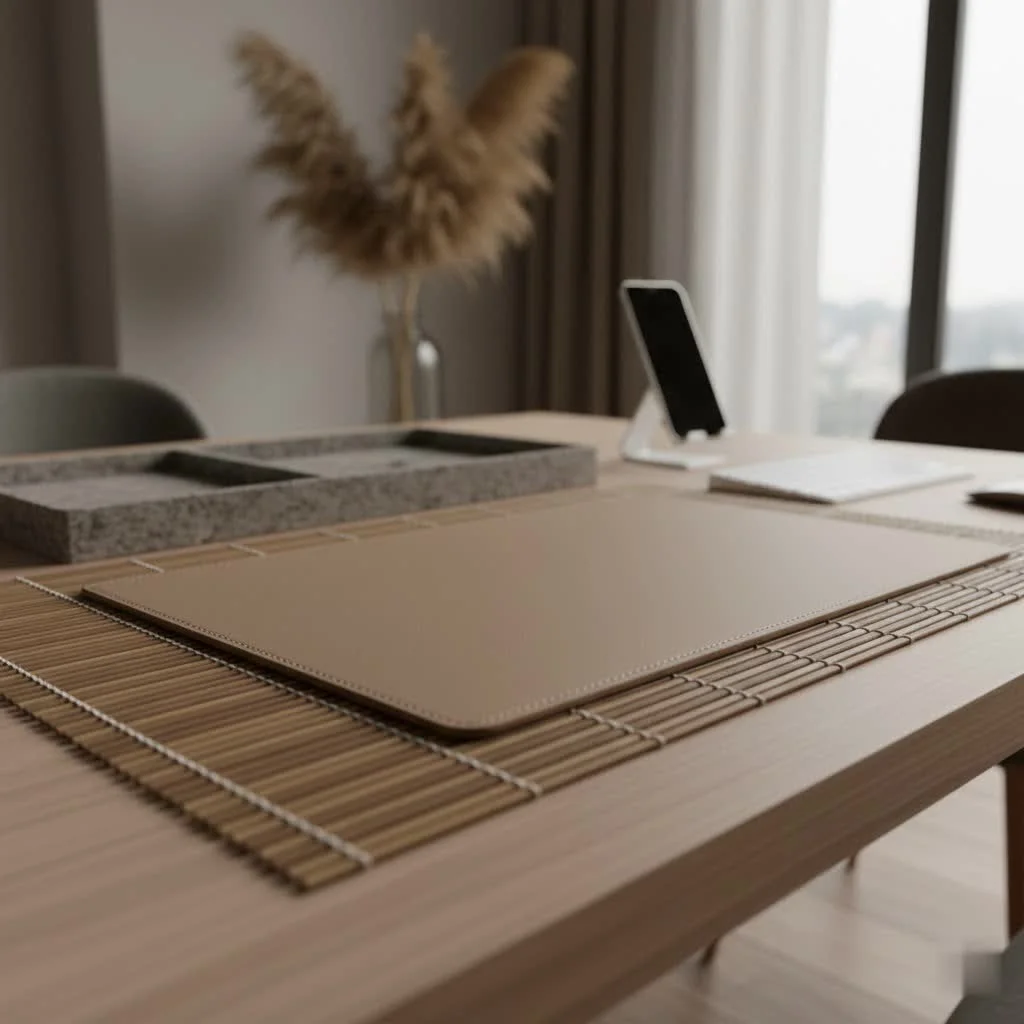
- Leather or Vegan Leather: If style is high on your list, a leather mouse pad adds a touch of sophistication to any workspace. Beyond aesthetics, many leather options are surprisingly durable, water-resistant, and easy to clean, combining form and function beautifully.
Size Matters: From Minimalist to Desk-Sized
|
Our Picks for the Best Mouse Pad in 2026
As an Amazon Associate I earn from qualifying purchases.
|
||
| Num | Product | Action |
|---|---|---|
| 1 | MROCO Ergonomic Mouse Pad with Gel Wrist Rest, Comfortable Mousepad with Smooth Wrist Support Surface and Non-Slip PU Base for Pain Relief, Computer, Laptop, Office & Home, 9.4 x 8.1 in, Cloud Forest |

|
| 2 | MROCO Ergonomic Mouse Pad with Gel Wrist Rest, Smooth Wrist Support Surface, Non-Slip PU Base for Pain Relief, Comfortable Mousepad for Computer, Laptop, Office & Home, 9.4 x 8.1 in, Black |
|
| 3 | MROCO Ergonomic Mouse Pad with Gel Wrist Rest, Comfortable Mousepad with Smooth Wrist Support Surface and Non-Slip PU Base for Pain Relief, Computer, Laptop, Office & Home, 9.4 x 8.1 in, Blue Marble |
|
| 4 | KTRIO Excel Shortcuts Mousepad with Superior Micro-Weave Cloth, Extended Mousepad with Stitched Edges, Non-Slip Base, Water Resist Keyboard Pad for Gamer, Office & Home, Excel Shortcuts |
|
| 5 | KTRIO Large Gaming Mouse Pad with Stitched Edges, Extended Mousepad with Superior Micro-Weave Cloth, Non-Slip Base, Water Resist Keyboard Pad for Gamer, Office & Home, 31.5x15.7in, Black Topographic |
|
| 6 | MROCO Ergonomic Mouse Pad with Gel Wrist Rest, Comfortable Mousepad with Smooth Wrist Support Surface and Non-Slip PU Base for Pain Relief, Computer, Laptop, Office & Home, 9.4 x 8.1 in, Blue Waves |
|
| 7 | MROCO Ergonomic Mouse Pad with Gel Wrist Rest, Comfortable Mousepad with Smooth Wrist Support Surface and Non-Slip PU Base for Pain Relief, Computer, Laptop, Office & Home, 9.4 x 8.1 in, Black Gold |
|
| 8 | KTRIO Large Gaming Mouse Pad with Stitched Edges, Extended Mousepad with Superior Micro-Weave Cloth, Non-Slip Base, Water Resist Keyboard Pad for Gamer, Office & Home, 31.5x15.7in, Black Gold |
|
| 9 | MROCO Ergonomic Mouse Pad with Gel Wrist Rest, Comfortable Mousepad with Smooth Wrist Support Surface and Non-Slip PU Base for Pain Relief, Computer, Laptop, Office & Home, 9.4 x 8.1 in, Black Flower |
|
| 10 | KTRIO Large Gaming Mouse Pad Desk Mat, Superior Micro-Weave Cloth for Precise Mouse Control, Non-Slip Rubber Base, Stitched Edges, Water-Resistant, for Gamer, Office & Home, 31.5\" x 11.8\" inches |
|
What size mouse pad should I get for my Magic Mouse?
The best size for your mouse pad depends entirely on your workspace and how you use your Magic Mouse. Some users prefer a compact pad that provides just enough room for the mouse, while others opt for expansive desk mats. These larger mats not only give you vast, unrestricted movement space but also protect your entire desk surface from scratches and spills, creating a cohesive and organized look for your Apple setup.
Durability and Maintenance: Built to Last
A high-quality mouse pad should be a long-term investment. Look for options with anti-fray stitched edges (especially for cloth pads), rip and tear resistance, and a reliable non-slip rubber base to keep it firmly in place. Spill-resistant coatings are also a huge plus, making accidental coffee spills less catastrophic. Regular cleaning—a gentle wipe with a damp cloth and mild soap—will keep your apple mouse pad performing at its best, free from dust and debris that can impede glide.
Ergonomics and Comfort: A Haven for Your Wrist
How can I make my Magic Mouse more comfortable?
While the Magic Mouse is lauded for its gestures, some users find its low profile less ergonomic for prolonged use, leading to potential hand fatigue. Many mouse pads now incorporate features like built-in wrist rests (often gel or memory foam) to provide crucial support and maintain a neutral wrist position. Additionally, some innovative accessories, like the Solumics Case, are designed to fit over your Magic Mouse, offering an ergonomic grip that significantly enhances comfort without sacrificing gesture control, making it a great pairing for any apple mouse pad.
Aesthetics: Blending with Your Apple Ecosystem
Let’s be honest, part of the Apple appeal is the cohesive, elegant design. Your mouse pad should complement this. Whether you prefer a minimalist black or gray, a vibrant splash of color, or a luxurious leather finish, there are countless options that will seamlessly integrate into your Apple-centric workspace. Some even feature RGB lighting to match your setup’s glow!
Special Features: Beyond the Basic Glide
The modern mouse pad is more than just a surface. You’ll find options with powerplay wireless charging systems for your compatible devices, integrated USB passthrough ports, and even unique adhesive bases that allow the pad to stick firmly to your desk without leaving residue. These features can significantly elevate your overall desk experience alongside your chosen apple mouse pad.
Types of Mouse Pads Recommended for Magic Mouse Users
Based on extensive research and user feedback, here are some popular categories that consistently perform well with the Apple Magic Mouse:
- Soft Surface Mouse Pads: Products like the SteelSeries QcK series or Corsair MM350 PRO offer a micro-woven cloth surface that’s ideal for both speed and precision. Their dense, often thick, rubber bases provide excellent cushioning and stability.
- Hard Surface Mouse Pads: The Razer Sphex V3, with its ultra-thin polycarbonate design, or a Vaydeer Ultra-Thin Aluminum pad, are perfect for those demanding swift, effortless glides. These durable surfaces are also remarkably easy to clean.
- Leather & Eco-Friendly Options: Brands like Harber London offer minimalist microfiber or vegan leather desk mats that are not only aesthetically pleasing but also made from sustainable materials. They offer a premium feel and are often water-resistant.
- Desk Mats: Larger options such as the Logitech Desk Mat or K KNODEL Mouse Pad provide an expansive surface for your mouse, keyboard, and other peripherals, protecting your desk and unifying your workspace’s look.
“The right mouse pad isn’t just an accessory; it’s a foundational element of a comfortable and efficient workspace, especially when paired with a unique input device like the Apple Magic Mouse,” emphasizes Dr. Anya Sharma, a renowned ergonomics specialist and product design consultant. “It can dramatically reduce strain and enhance precision, transforming your daily interactions.”
Frequently Asked Questions
Do you need a mouse pad for an Apple Magic Mouse?
No, you don’t strictly need one, as the Magic Mouse can function on various surfaces. However, using a dedicated mouse pad significantly enhances its performance by providing a smooth, consistent, and protective surface, ensuring better glide, precision, and prolonging the life of your mouse and desk.
Can the Magic Mouse work on glass surfaces?
No, the Apple Magic Mouse cannot reliably work on glass surfaces, including matte glass. Its optical sensor requires a surface with texture to track movement effectively. If you have a glass desk, a high-quality mouse pad is essential.
Are gaming mousepads suitable for the Magic Mouse?
Absolutely! Gaming mousepads are engineered for high precision and smooth tracking, making them an excellent choice for use with a Magic Mouse. They often feature large surface areas, durable construction, and optimized textures that benefit all users, not just gamers.
How do I clean my Magic Mouse pad?
For most cloth or fabric mouse pads, a gentle wipe with a damp cloth and a small amount of mild soap is effective. Avoid harsh chemicals or soaking. Hard surface pads can usually be wiped clean with a cloth. Always check the manufacturer’s instructions for specific cleaning recommendations to maintain your apple mouse pad in top condition.
Conclusion
Choosing the perfect apple mouse pad for your Magic Mouse is more than a simple purchase; it’s an investment in your productivity, comfort, and the longevity of your beloved Apple devices. From luxurious leather desk mats that exude style to ultra-thin hard surfaces built for pure speed, the options are vast and varied. By considering factors like surface material, size, durability, ergonomics, and aesthetics, you can find a mouse pad that not only enhances the Magic Mouse’s capabilities but also elevates your entire workspace. So, take the plunge, explore the possibilities, and discover how the right mouse pad can truly transform your Apple experience into something truly seamless and enjoyable.
Get our weekly buyer guide
Practical specs, not advice. Unsubscribe anytime.
